$79/mo
Flat price · unlimited team
14 days
Free trial, no CC needed
Unlimited
Customers, jobs & invoices
No
Per-seat or hidden fees
Attract new customers and fill your pipeline.
Online Booking Widget
Embed a booking form on your website. Customers request appointments 24/7 and requests land directly in your dashboard.
- 24/7 booking requests
- Custom embed code
- Auto-notified on new requests
Customer CSV Import
Upload a customer CSV, map columns, and review duplicates before saving. Jobs, invoices, and historical data require a separate migration plan.
- Customer CSV upload
- Column mapping and preview
- Duplicate checks
Close more leads with professional quotes and fast follow-ups.
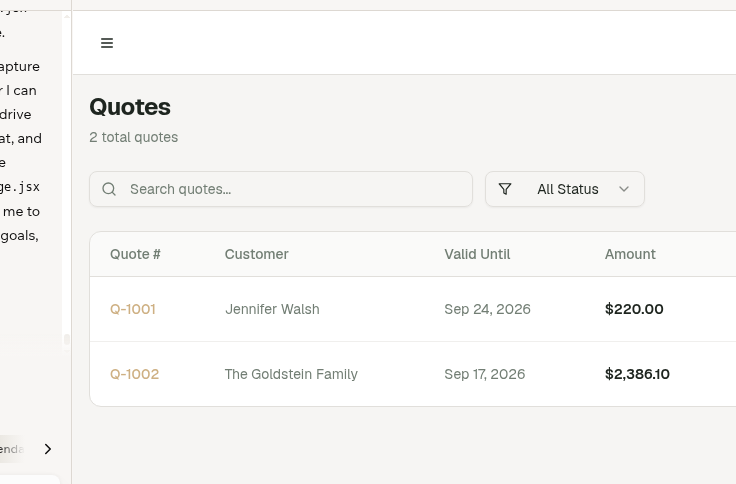
Quotes & Estimates
Send a professional, branded quote in minutes. Customers approve it online — no phone tag, no paperwork.
- Online customer approval
- Convert to job with 1 click
- Line items & discounts
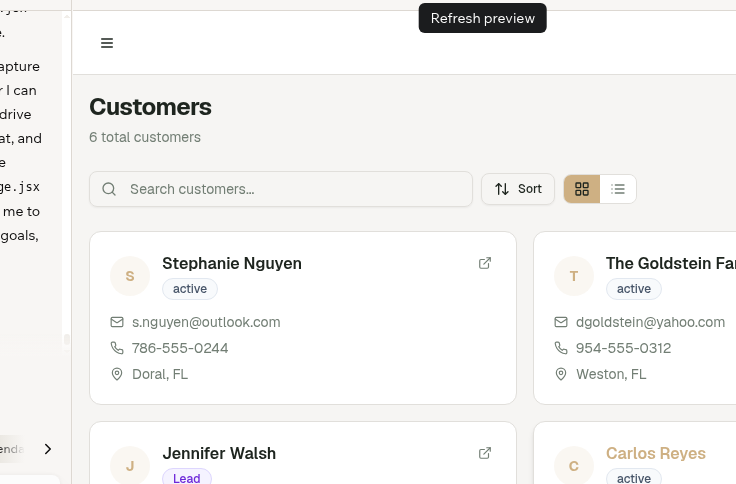
CRM & Customer Management
Every customer, every job, every note in one place. Know your clients before you knock on the door.
- Full job & payment history
- Equipment tracking
- Lead source reporting
Run tighter operations from your phone or truck.
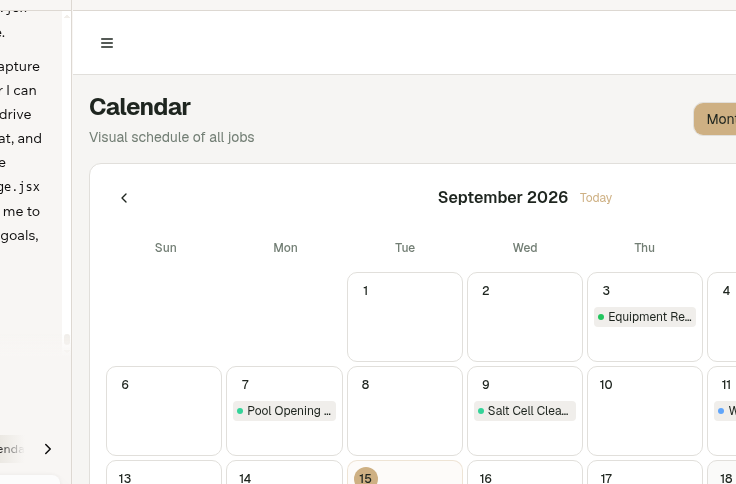
Job Scheduling & Calendar
Schedule, assign, and track every job in real time. Recurring jobs are set up once and auto-scheduled forever.
- Drag-and-drop calendar
- Technician assignment
- Recurring job automation
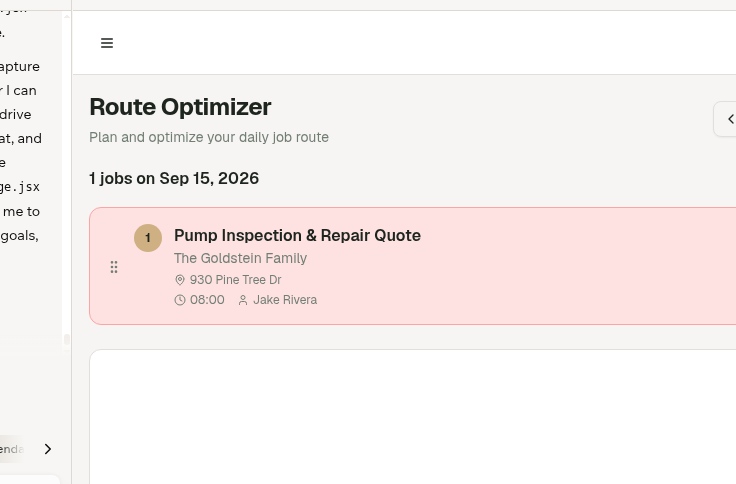
Route Planning
Arrange and save your daily stop order. Maps and driving calculations require a connected provider.
- Manual stop ordering
- Saved daily sequence
- Addresses and technician assignments
Technician Portal & Time Tracking
Give your field techs their own mobile portal to view jobs, log time, upload photos, and mark work complete.
- Mobile-friendly portal
- Clock in/out per job
- Photo & checklist uploads
Invoice fast and collect payment before you leave the driveway.
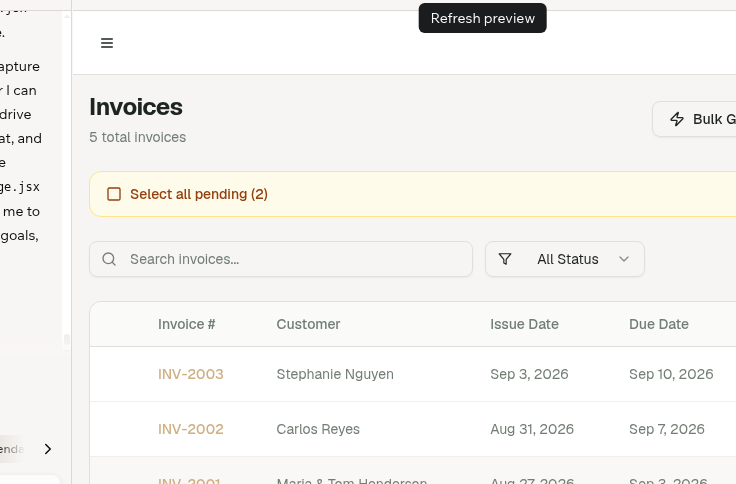
Invoicing & Online Payments
Auto-invoice on job completion. Accept credit cards and ACH via Stripe — customers can pay from their phone.
- 1-click invoice generation
- Stripe card & ACH payments
- Send overdue reminders
Customer Portal
Give customers a self-serve portal to view jobs, approve quotes, pay invoices, and leave reviews.
- Secure shareable link
- View jobs & invoices
- Online payment & approval
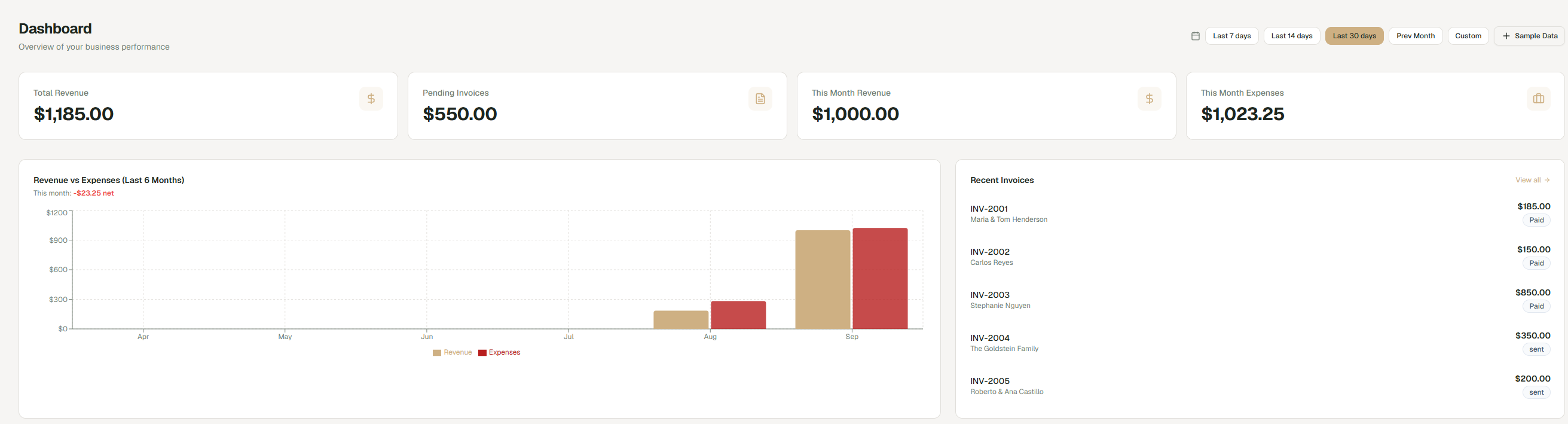
Know your numbers and grow with confidence.
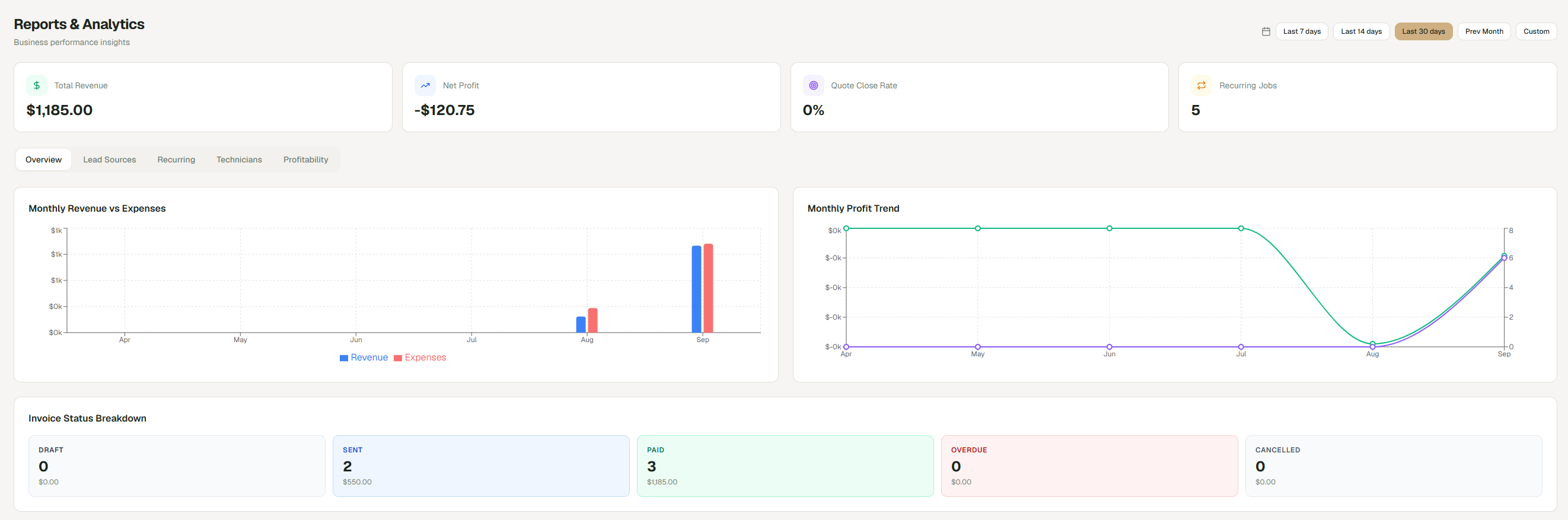
Reports & Analytics
Real-time revenue, expense, and job dashboards. See exactly where your money is coming from and where it's going.
- Revenue vs expense tracking
- Top customers & services
- Technician productivity
Expense Tracking
Log fuel, materials, and labor costs to see your true net profit on every job.
- Per-job cost tracking
- Category breakdowns
- Receipt uploads
Technician Payroll
Calculate pay automatically — by the hour, per job, or as a revenue percentage — and export pay summaries.
- Hourly, per-job, or % pay
- Auto pay calculations
- Pay period exports
Frequently asked questions
What's included, and what it costs — straight answers.