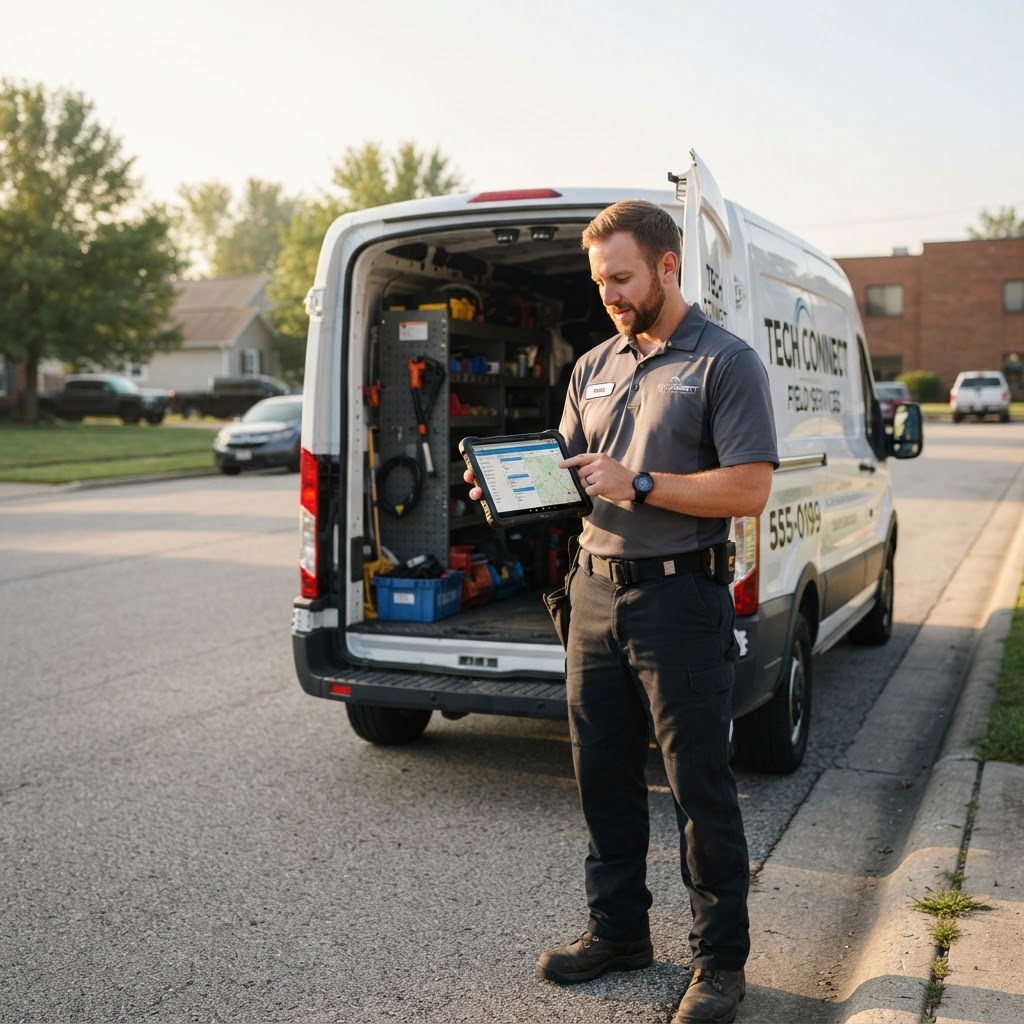
No-shows and locked-gate "ghost visits" waste the most expensive asset you have: a tech already on the road. Phone-call confirmations help, but they do not scale when your board is full—and many customers will not answer unknown numbers.
No-shows and locked-gate "ghost visits" waste the most expensive asset you have: a tech already on the road. Phone-call confirmations help, but they do not scale when your board is full—and many customers will not answer unknown numbers.
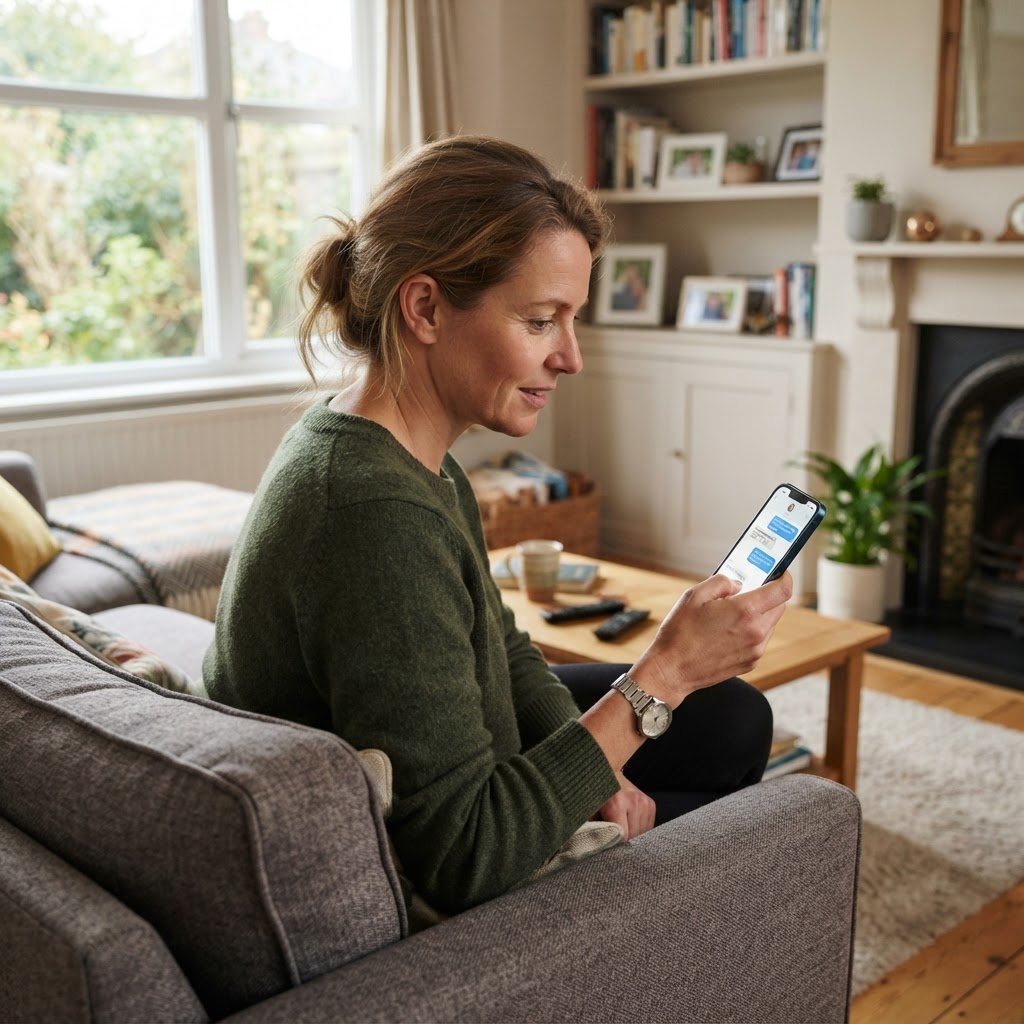
SMS appointment reminders work because they are short, visible, and easy to reply to. Done poorly, they feel spammy. Done well, they protect routes, improve customer experience, and reduce the awkward "we came by" door hanger.
Why field-service no-shows happen
Most are not malice:
- Customer forgot a wide arrival window
- Someone else in the household did not get the message
- Gate codes changed
- They expected a call first
- The appointment was booked weeks ago with no touchpoints since
- They meant to reschedule and never did
SMS will not fix a chaotic scheduling culture. It will fix a large share of forgetfulness—if timing and wording are right.
Design the reminder sequence (not a single text)
One reminder is good. A light sequence is better.
A proven three-touch pattern
- Booking confirmation (immediate) — "You're on the schedule; here is the window."
- Day-before reminder — best single no-show reducer for most trades.
- Morning-of reminder — especially for first jobs and tight windows.
Optional fourth touch: tech en route (when you can share a tighter ETA). That is less about no-shows and more about trust—but it reduces "I stepped out" misses.
Timing guidelines
- Day-before: late afternoon (when people check phones)
- Morning-of: 60–120 minutes before the window starts—not at 5 a.m.
- Avoid late-night texts
- Respect quiet hours in your market; stay professional
If you serve commercial sites, adjust to site-manager hours—not homeowner evenings.
Write texts people will finish reading
SMS is not email. Keep it scannable.
Include the essentials
- Your business name
- Appointment date
- Arrival window (or time if you book exact)
- Service address (short form)
- How to confirm / reschedule
- A way to reply NEED HELP or call a real number
Templates you can adapt
Booking confirmation:
Hi {Name}, it's {Company}. You're scheduled {Day} {Date}, arrival window {Window}, at {Address}. Reply YES to confirm or call {Phone} to reschedule.
Day-before:
Reminder: {Company} arrives tomorrow {Day} between {Window} at {Address}. Reply C to confirm, R to reschedule. Gate/pet notes? Just reply.
Morning-of:
{Company}: we are on schedule for {Window} today at {Address}. Please keep access clear. Reply STOP only to opt out of reminders.
En route (optional):
{TechFirstName} from {Company} is heading your way now—ETA about {X} minutes. See you soon.
Keep links rare and trustworthy. If you use a portal link, make sure it is branded and mobile-friendly.
Confirmation beats broadcast
The goal is not just to notify—it is to get a signal.
Simple reply keywords
- YES / C = confirmed
- R = reschedule request (office follows up)
- Keywords for STOP / HELP as required by compliance norms in your region
Office workflow:
- Confirmed jobs stay locked
- Unconfirmed day-before jobs get a call mid-afternoon
- Reschedule requests are moved before the tech rolls
A reminder system without a response process is only half-built.
Etiquette: reduce no-shows without feeling pushy
- Identify your company every time (people forget saved numbers)
- Do not send marketing blasts from the same flow as appointment ops
- Do not text five times about one visit
- Mirror your brand voice: clear and polite beats faux-casual slang
- If a customer prefers calls only, honor it on their profile
Also train techs not to send personal texts from private phones for official ETAs when a system message exists—mixed channels confuse customers and create compliance headaches.
Special cases for home-service routes
Recurring services (pool, lawn, pest)
Customers may not need heavy confirmation every week once the rhythm is established. Consider:
- Reminder on the first visit of the season
- Reminder when the day/window changes
- Lighter touches for stable weeklies
- Stronger touches after a missed visit
Larger projects and installs
Use SMS for milestones: site measure confirmed, install start morning-of, punch-list visit. No-shows on install days are rare but catastrophic—treat them with the full sequence.
Multi-occupant homes and rentals
Ask who should receive reminders (owner vs. tenant). Put the right mobile number on the job—not only on the billing contact.
Measure what matters
Track for a month before/after (or by cohort):
- No-show / locked-out rate
- Same-day reschedules after morning text (often good—saves a truck roll)
- Confirmation reply rate on day-before texts
- Customer complaints about too many texts (should be near zero if paced well)
If no-shows drop but reschedules explode at 7:55 a.m., tighten the day-before confirmation step so changes happen earlier.
Compliance and permission basics (practical, not legal advice)
Rules vary by country and change over time. Operationally:
- Get consent to text when booking
- Make opt-out clear
- Keep messages transactional and expected
- Store the customer phone against the right account
- Do not buy random SMS lists and blast "appointment" language as a loophole
When in doubt, ask your counsel or compliance advisor—especially if you operate across states or provinces.
Pair SMS with a real schedule source of truth
Texts that reference the wrong window are worse than no texts. SMS should read from the same calendar the tech runs:
- Job time changes update future reminders
- Canceled jobs stop messaging
- Assigned address matches the route
That integration is why reminders belong inside your field service platform—not a separate personal texting app.
How CrewField helps
CrewField includes SMS reminders alongside jobs, calendar, and customer records so messages match what is actually scheduled. Pair reminders with a customer portal and clear job windows, and you reduce both no-shows and "where is my tech?" calls.
Learn more on the features page, or see pricing for the flat monthly plan that does not charge per technician seat.
Launch plan for this week
Day 1: Pick the three-touch sequence and quiet hours.
Day 2: Load templates; add company name and reply instructions.
Day 3: Turn on day-before reminders for one crew only (pilot).
Day 4: Add morning-of for first appointments and high-value jobs.
Day 5: Review unconfirmed jobs and call the silent ones.
Next week: Expand to all crews; adjust wording where reply rates are low.
Bottom line
SMS appointment reminders reduce no-shows when they are timely, identifiable, easy to answer, and connected to a live schedule. Start with booking + day-before + morning-of, close the loop on replies, and keep the tone respectful.
Your route will not become perfect overnight—but fewer empty driveways adds up to real capacity you already paid for.