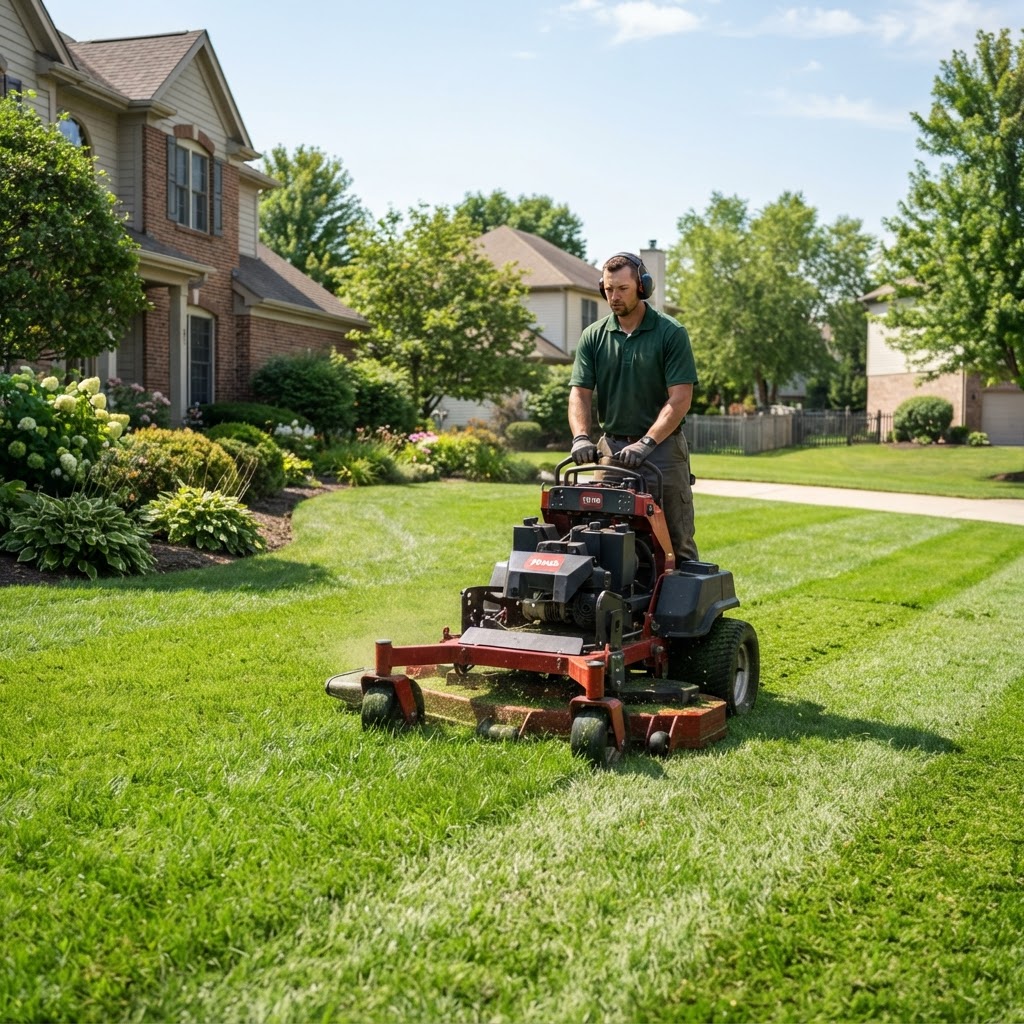
Lawn care and landscaping businesses outgrow text threads and spreadsheets at predictable moments: the second crew, the first big spring surge, or the week you realize half your "recurring" customers are only recurring in your head.
Lawn care and landscaping businesses outgrow text threads and spreadsheets at predictable moments: the second crew, the first big spring surge, or the week you realize half your "recurring" customers are only recurring in your head.
Buying lawn care business software should not mean chasing the longest feature list. It should mean matching tools to how your work actually runs—mow routes, seasonal cleanups, enhancement quotes, and weather delays included. Use this checklist to evaluate options calmly before you commit.
Start with your operating reality
Write down your current shape (even roughly):
- Solo operator, 2–3 crews, or multi-crew with an office person?
- Mostly maintenance routes, mostly installs/enhancements, or a mix?
- How many active recurring properties?
- Do you quote irrigation, hardscape, or only lawn/landscape maintenance?
- Who schedules today—and where do job notes live?
Software that fits a pool-heavy chemical route may not fit a mulch-and-mow operation. Be honest about complexity.
Checklist section 1: Customers and properties
Your CRM must handle properties, not just people. Many lawn accounts have landlords, HOAs, or multiple lots.
Look for:
- Customer profiles with phone, email, and tags
- Service address distinct from billing address
- Property notes (dogs, gates, HOA rules, slope hazards)
- Fast search mid-call
- Ability to mark active vs. seasonal / on-hold
Why it matters: Spring reactivation is chaos if "paused for winter" customers are mixed with truly lost ones.
Checklist section 2: Scheduling and calendar
Lawn work is calendar-heavy and weather-fragile.
Look for:
- Day/week calendar by crew or tech
- Recurring job support (weekly, biweekly, monthly)
- Easy drag-and-reschedule when rain hits
- Job status that field and office both see
- Appointment windows or visit expectations you can communicate
Ask vendors: "Show me how I move 40 biweekly mows after two rain days without retyping each one."
Checklist section 3: Routes and day planning
Drive time is a quiet profit killer in lawn care.
Look for:
- Route or map view of the day's stops
- Clustering / sequencing help (even basic is valuable)
- Travel reality considered in the plan
- Ability to assign by zone or crew territory
You do not need a research-lab algorithm on day one. You do need visibility into zigzagging routes.
Checklist section 4: Quotes and enhancements
Maintenance keeps the lights on; enhancements often make the year.
Look for:
- Professional quotes with line items
- Templates for common packages (cleanup, aeration, mulch, seasonal color)
- Convert quote → job without re-entering prices
- Follow-up reminders for unapproved estimates
- Photos or notes attached to the opportunity when helpful
If quoting still happens in random Word docs, software is only solving half the business.
Checklist section 5: Jobs, notes, and crew communication
Crews need clarity more than dashboards.
Look for:
- Clear job scope on the device they actually carry
- Checklists for mow/edge/blow standards (optional but powerful)
- Space for before/after notes or issues found on-site
- A tech-friendly way to mark complete
- Less reliance on group texts as the system of record
Bonus: issue tracking for "needs mulch proposal" found during a maintenance visit—so sales follow-up does not die in a chat thread.
Checklist section 6: Invoicing and getting paid
Recurring lawn billing should not be a monthly all-nighter.
Look for:
- Invoices tied to customers and jobs
- Bulk invoice generation for route days
- Pending vs. paid visibility
- Deposits for larger enhancement jobs
- Reminder-friendly workflow (SMS/email)
- Customer portal or easy pay path (if you want fewer checks in truck cupholders)
Also confirm how tips, trip fees, and fuel surcharges appear if you use them.
Checklist section 7: Recurring service agreements
This is the heart of maintenance companies.
Look for:
- Service agreements or recurring plans with frequency and pricing
- Next visit generation you can trust
- Easy pause/resume for snow belt winters or drought restrictions
- Clear package definitions (what "biweekly maintenance" includes)
If recurrence is manual, you do not have agreements—you have hope.
Checklist section 8: Expenses, payroll, and reporting
Not every lawn company needs deep accounting inside the FSM—but owners need signals.
Look for:
- Expense capture for materials and subcontractors
- Basic revenue and job reporting
- Payroll-friendly time or job completion data (as applicable)
- Exports your bookkeeper can use
Avoid buying a "finance suite" you will never open. Do buy visibility into whether busy weeks were profitable weeks.
Checklist section 9: Growth and automation (buy when ready)
Useful later layers:
- Online booking or service requests
- SMS appointment reminders
- Automation rules for quote follow-ups
- Customer portal for approvals and invoices
Turn these on after scheduling and billing are stable. Automating a messy process just sends mess faster.
Checklist section 10: Pricing, seats, and switching cost
Feature fit fails if the commercial model punishes growth.
Evaluate:
- Flat vs. per-tech pricing (per-seat costs climb fast with seasonal hires)
- What is included vs. paid add-ons
- Trial length and what you can test with real data
- Import path for customers / jobs from spreadsheets or another FSM
- Training time for office and crews
CrewField, for example, uses one flat monthly price with unlimited team members—worth comparing if you staff up each spring without wanting a surprise seat bill. See pricing and the full features list when you shortlist tools.
Scorecard: how to decide in one sitting
Rate each vendor 1–5 on:
- Recurring maintenance scheduling
- Rain-day rescheduling ease
- Route visibility
- Quote → job → invoice flow
- Field usability for crews
- Import / migration support
- Total cost at your crew size next season
Throw out anything that fails #1 or #4. Demo the top two with your real weekly board—not a sample "Acme Landscaping" dataset.
Implementation tips after you buy
- Migrate customers and recurring properties first
- Standardize 10–20 service templates before building everything
- Train one lead per crew; they train the rest
- Ban parallel text-scheduling within two weeks of go-live
- Review the first month's missed visits and billing lag weekly
Software does not replace standards. It makes standards enforceable.
Bottom line
The right lawn care business software checklist prioritizes recurring properties, weather-proof scheduling, routes, quoting, and clean invoicing—then layers automation. Choose the system that matches how your crews move through neighborhoods, not the one with the flashiest homepage.
When you are ready to see how customers, jobs, routes, quotes, invoices, and service agreements fit in one platform, explore CrewField features or start with the simple plan on pricing.